

The Model Context Protocol connects your OpenAI models to your business tools, but each server you add widens your attack surface. Operational priority comes down to five moves: whitelist authorized servers, enforce least privilege, isolate in containers, log systematically, and require human validation before any sensitive action. A pseudonymization layer like Safe-doc's, applied before documents reach an MCP server, mechanically reduces what can leak in the event of an incident.
In brief:
- Securing the Model Context Protocol (MCP) rests on a strict server whitelist, the principle of least privilege, and container isolation.
- Most vulnerabilities stem from tool description poisoning or rug pulls, requiring rigorous manifest verification and version control.
- Communication between OpenAI and the MCP server must pass through a secure tunnel behind a hardened network perimeter, never exposed directly to the Internet.
- Real-time document pseudonymization forms an essential layer to limit sensitive data exposure, even if an MCP server is compromised.
- Human governance, with systematic validation and revalidation, is paramount to prevent the impulsive deployment of poorly audited or compromised servers.
Table of contents
- What is the Model Context Protocol and why it changes LLM integration
- How MCP integrates concretely with OpenAI
- Main vulnerabilities and attack vectors specific to MCP
- Best practices and technical controls to secure MCP in production
- Recommended network deployment and architecture for an MCP server
- Developer workflow and administrative governance before production
- Reduce exposure of sensitive data through pseudonymization
- What Jacques prioritizes for MCP governance in the enterprise
- Safe-doc, a protective layer complementary to your MCP controls
- Sources
What is the Model Context Protocol and why it changes LLM integration
The Model Context Protocol acts as a universal port between a language model and your information systems: instead of coding a bespoke connector for each tool, database, or business API, you expose those resources via a common language that any compatible LLM knows how to interpret. It is an open standard, which means its security depends entirely on how each organization implements it, not on any guarantee built into the protocol itself, as the MCP reference documentation underscores.
Three elements make up the concrete architecture:
- The MCP server, which hosts one or more tools and describes their capabilities.
- The manifest, a file that lists available functions, their parameters, and their permissions.
- The tool descriptions, natural-language texts that the model reads to decide when and how to call each tool.
This standardization changes the equation for IT departments, because it lets you apply uniform access-control policies across all integrations, instead of securing each business connector case by case, as DigitalGarden highlights in its MCP integration analysis. In practice, the same MCP server configured for your CRM can be reused by multiple AI applications without rewriting code, which reduces technical debt accumulated over years of point integrations. The flip side of this efficiency: a poorly audited manifest or an unverified server becomes a single entry point to several systems at once.
How MCP integrates concretely with OpenAI
The `.mcp.json` file serves as the server's identity card: it declares the available capabilities and, in a well-maintained configuration, their exact version.
OpenAI supports several connection modes, each with a different risk profile:
1. Local connection via stdio, where the MCP server runs on the user's machine, limiting network exposure but depending entirely on local workstation hygiene.
2. Remote connection via SSE or HTTP, where the server is hosted remotely-a configuration that requires encryption in transit and robust authentication.
3. Secure tunnel for on-premise servers, recommended when infrastructure remains behind your firewall, a solution documented in OpenAI's developer guides on data processing.
Once data is transferred to a remote server, it obeys that third party's security policies, not yours. That is precisely why OpenAI insists on client-side guardrails: developer mode allows you to test an MCP integration in a restricted environment before any production activation, with explicit user confirmations required for actions deemed sensitive. Organizations using ChatGPT Enterprise or Edu also benefit from role-based access control (RBAC), which determines who can enable, configure, or disable an MCP application, as the OpenAI help center explains on developer mode and MCP applications. Without this governance, any user with access could connect an unverified server to production data.
Main vulnerabilities and attack vectors specific to MCP
The most documented vulnerability is called tool description poisoning. A malicious or compromised MCP server crafts its tool description to manipulate the model's reasoning-a form of indirect prompt injection hiding in text the user never sees. The model reads this description as a legitimate instruction and acts accordingly, sometimes exfiltrating data to an attacker-controlled channel.
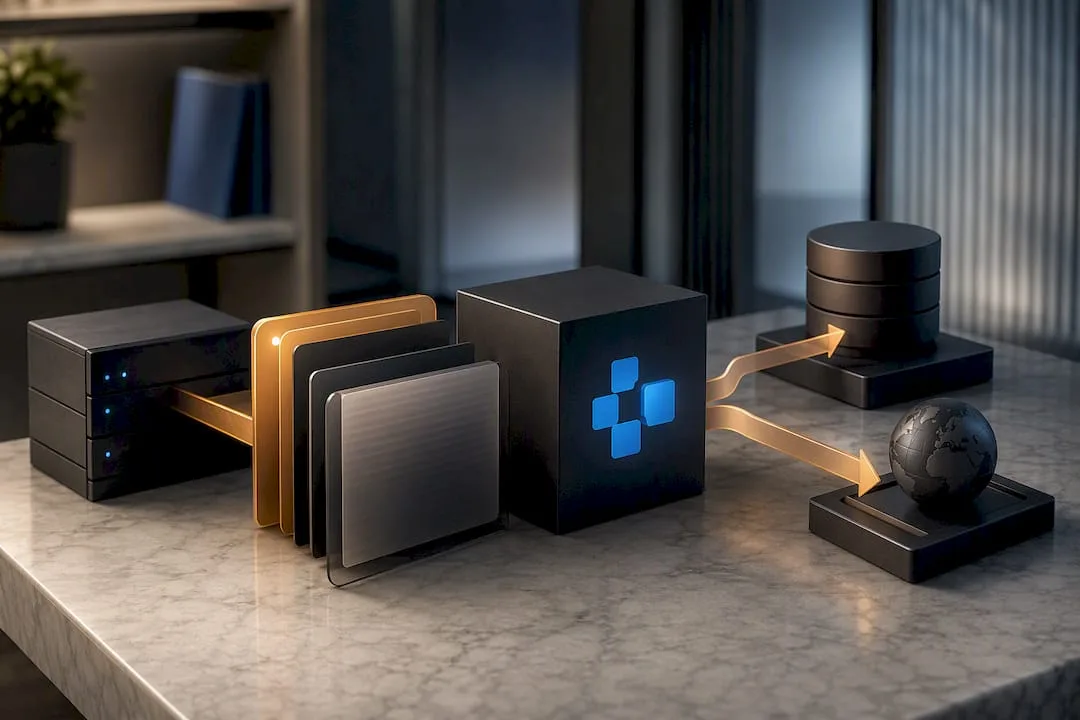
The second vector: the rug pull, or silent redefinition of a tool after its initial approval. A server can behave benignly during the security audit, then modify its tool descriptions or behavior once deployed, without alerting the team that validated it the first time. This is one of the strongest arguments for strict version control of manifests rather than one-time validation.
Security analysts also document structural risks:
- Excessive OS permissions: many local MCP servers by default request broad filesystem or shell access, well beyond what their function actually requires.
- Sandbox evasion: a poorly isolated server can exploit these permissions to escape its intended perimeter and reach other resources on the host machine.
- Cross-server attacks, also called tool shadowing, where a compromised server intercepts or spoofs calls intended for a trusted server in an environment where multiple MCP servers coexist.
- Absence of standard signature: the MCP specification imposes no cryptographic verification mechanism for manifests, which makes code integrity a responsibility borne entirely by the enterprise deploying the server.
Security researchers at Zeroday Cyber Academy have documented these patterns in a reproducible way, and recent technical syntheses show proof-of-concept exploits leveraging unaudited MCP servers to demonstrate tool poisoning and rug pulls in real-world conditions, as detailed in this analysis of Model Context Protocol risks. In a multi-server architecture, this governance becomes all the more critical since a single poorly controlled server is enough to compromise the entire call chain.
Best practices and technical controls to secure MCP in production
There is no single control that fixes everything. MCP security rests on layered measures, each covering a different blind spot.
1. Maintain a versioned allowlist of authorized servers. Catalog each server with its hash and version number, and automatically reject any unknown or modified server. This practice alone blocks the majority of software supply-chain attacks.
2. Enforce least privilege at the operating-system level. An MCP server that only needs to read a folder should never receive write access or extended shell rights.
3. Isolate each server in a dedicated container, with a read-only filesystem when possible. Avoid running an unaudited third-party server on a machine that otherwise hosts sensitive data.
4. Sign and verify manifests. Absent a signature requirement in the MCP specification itself, adopt an internal scheme-for instance an HMAC system or internal PKI-to guarantee integrity and provenance of each manifest before deployment.
5. Log every tool call in structured form. An OpenTelemetry pipeline feeding your SIEM lets you detect anomalous behavior in near real time, such as a server that suddenly starts requesting permissions it never used before.
6. Limit the lifetime of sessions and tokens. Short-lived, narrowly scoped tokens, revocable immediately if in doubt, shrink the exploitation window of a compromised server.
7. Route critical outputs through human review. An irreversible action, such as sending an email or writing to a database, should always await explicit confirmation rather than automatic execution.
Pro tip: Never validate an MCP server based solely on its public documentation. Test it first in a sandboxed environment with dummy data, and observe exactly which system permissions it requests at startup, not just those it declares in its manifest.
These controls combine: a whitelist without sandboxing lets a legitimate but poorly coded server damage your infrastructure, while sandboxing without logging prevents you from understanding what happened after an incident.
Recommended network deployment and architecture for an MCP server
The simplest rule to remember: never expose an MCP server directly to the public Internet. An MCP server accessible without an intermediary becomes an immediately scannable target, and the slightest configuration flaw turns into a gateway to your internal systems.
The recommended architecture places the MCP server on-premises, behind your network perimeter, connected to the OpenAI API via a secure tunnel rather than by direct exposure. This pattern, designated as Secure MCP Tunnel in the OpenAI developer documentation, allows an on-site server to communicate with the model without ever opening an inbound port accessible from outside-a recommendation detailed in OpenAI's guides on data processing.
Three principles structure this architecture:
- Clear network segmentation, which isolates MCP servers in a dedicated zone, separated from production databases and user workstations.
- Restrictive firewall and NAT rules, which allow only strictly necessary flows between the MCP server and the model API.
- A demilitarized zone for any component that must remain reachable from outside, with reinforced monitoring on that specific segment.
This approach costs a bit more configuration time than direct exposure, but it transforms a potentially catastrophic incident into a problem contained to an isolated network segment.
Developer workflow and administrative governance before production
An MCP server should never jump straight from a developer's workstation to the entire company's production environment. Governance that works follows a three-stage process, each with its own responsible parties.
1. Test in developer mode. The developer activates the server in a restricted environment, where OpenAI requests explicit confirmations for any sensitive actions and limits exposure to real data. This phase serves to observe the server's behavior before trusting it.
2. Security review and controlled publication. Once testing is conclusive, an authorized administrator validates the server for wider rollout. Role-based access control determines precisely who holds this publication power, a feature available on ChatGPT Enterprise and Edu offerings according to the OpenAI help center.
3. Systematic revalidation after update. Each modification to a manifest or tool description automatically triggers a new review cycle, without exception, even for a change that seems minor. This is the best defense against the rug pull described above.
Separating these three roles-those who code, those who validate, and those who continuously monitor-prevents a single person, poorly informed or pressed by a deadline, from putting a badly audited server into production.
Reduce exposure of sensitive data through pseudonymization
None of the preceding controls prevent a document containing personal or confidential data from passing, at some point, through a tool connected via MCP. The principle of pseudonymization consists of removing those identifying elements even before the document reaches the server, rather than relying solely on perimeter security.
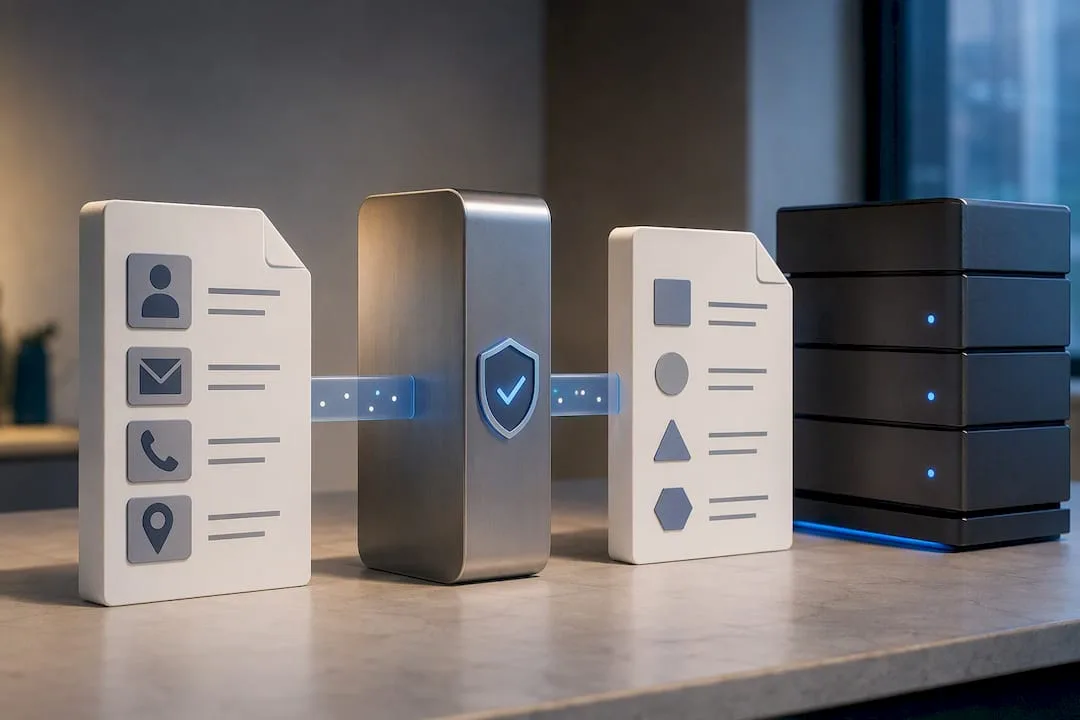
This pseudonymization layer processes documents in real time, without storage, and generates an exportable mapping allowing restoration of the original data after AI processing. This approach integrates with existing flows via REST API or MCP, making it complementary to the allowlisting, sandboxing, and logging controls detailed above: even if an MCP server were compromised, the data it intercepts would remain pseudonymized.
What Jacques prioritizes for MCP governance in the enterprise
The temptation in many IT departments is to treat MCP as a purely technical problem you fix with a good firewall. That is a mistake. The most serious vulnerabilities-tool poisoning, rug pulls, excessive permissions-arise from poor human governance, not from a cryptographic flaw. I put the whitelist, sandboxing, and logging ahead of everything else, because those three controls cover most of the scenarios documented to date.
But technique is not enough without a clear process and developers trained to recognize a suspect manifest. Always keep a human in the loop for any high-impact action. That friction costs the least compared to a security incident.
- Jacques
Safe-doc, a protective layer complementary to your MCP controls
MCP governance measures reduce the risk of a compromised server acting on your behalf. They do not reduce what stands to be lost if an incident occurs anyway. The platform pseudonymizes documents in real time, without storage, before they reach a connected AI tool, whether ChatGPT, Claude, or an internal MCP server.
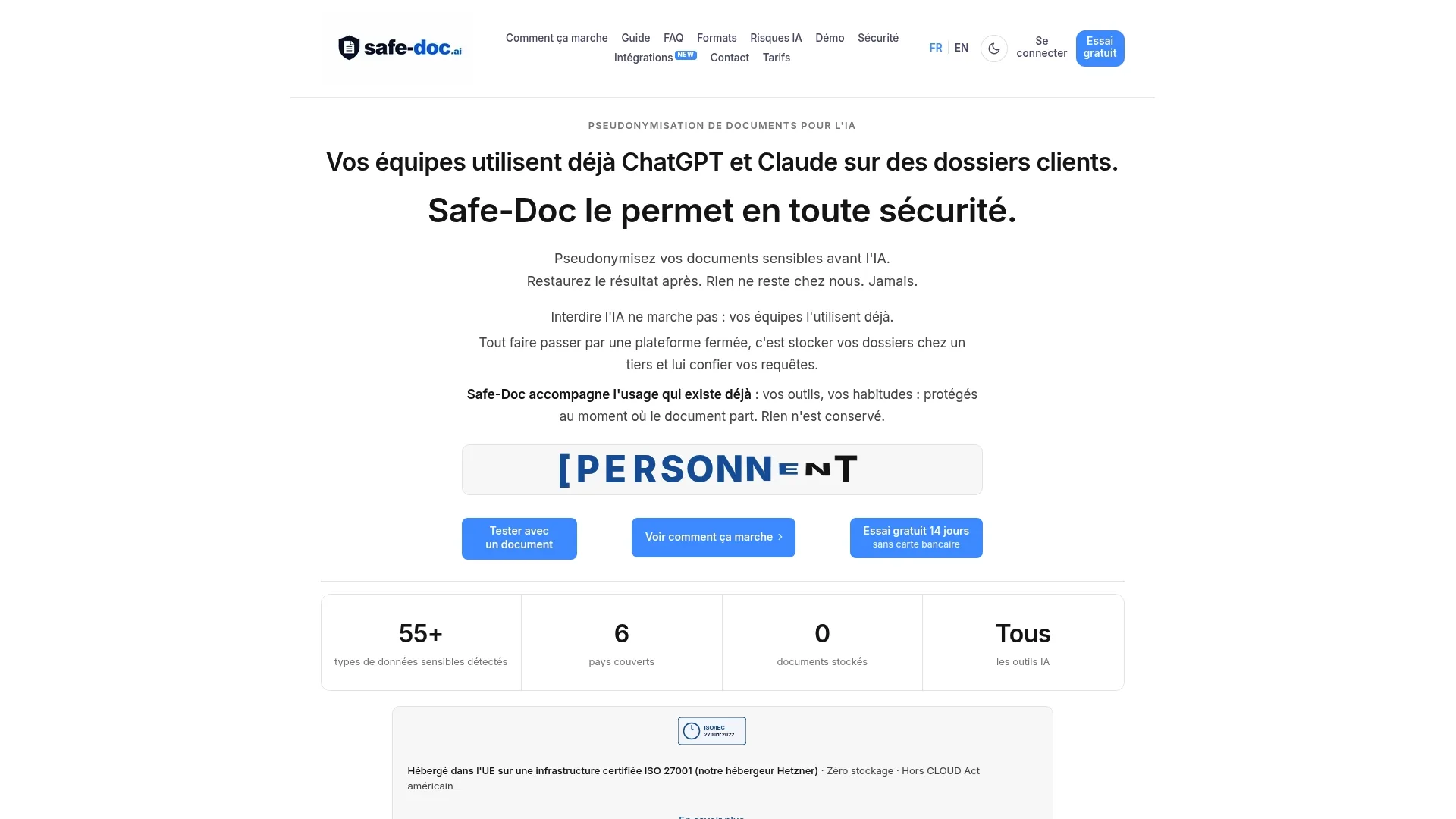
In practice, a law firm handling due diligence documentation, an HR team managing employee files, or a DPO needing to demonstrate GDPR compliance can continue to use their usual AI tools without exposing raw data. The exportable mapping allows restoration of the original information once processing is complete, and integration is carried out via REST API or directly in MCP, without changing your work habits.
For a legal department or security team wishing to concretely evaluate this protective layer, the pseudonymization and compliance for DPO page details the technical operation and associated guarantees. The best starting point remains a demonstration on your own use cases, to verify how Safe-doc fits with the MCP architecture already in place at your organization.
Sources
To go further with implementation, consult the OpenAI help center on MCP developer mode, the Cloud Security Alliance registry for OpenAI, and the security and zero-storage architecture page of Safe-doc.
- Developer mode and MCP apps in ChatGPT | OpenAI Help Center
- MCP security: vulnerabilities and best practices - Zeroday Cyber Academy
- Your data (OpenAI developer guides)